FacePrivacy for Android Coming to Google Play
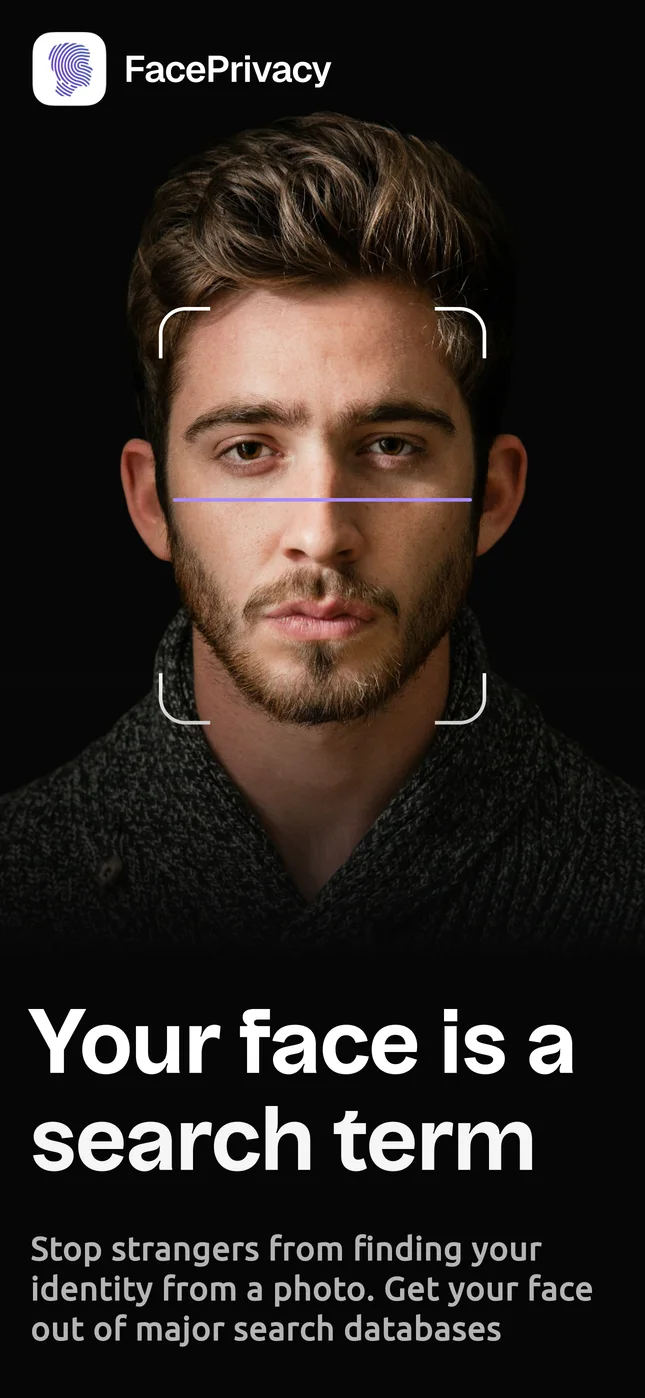
Your face is a search term
The FacePrivacy app is on its way to Google Play. Until it arrives, faceprivacy.ai does everything the app does, right in Chrome on your phone, with the same account you will use in the app.
- Works in Chrome today
- Sign in with Google
- Same account as faceprivacy.ai
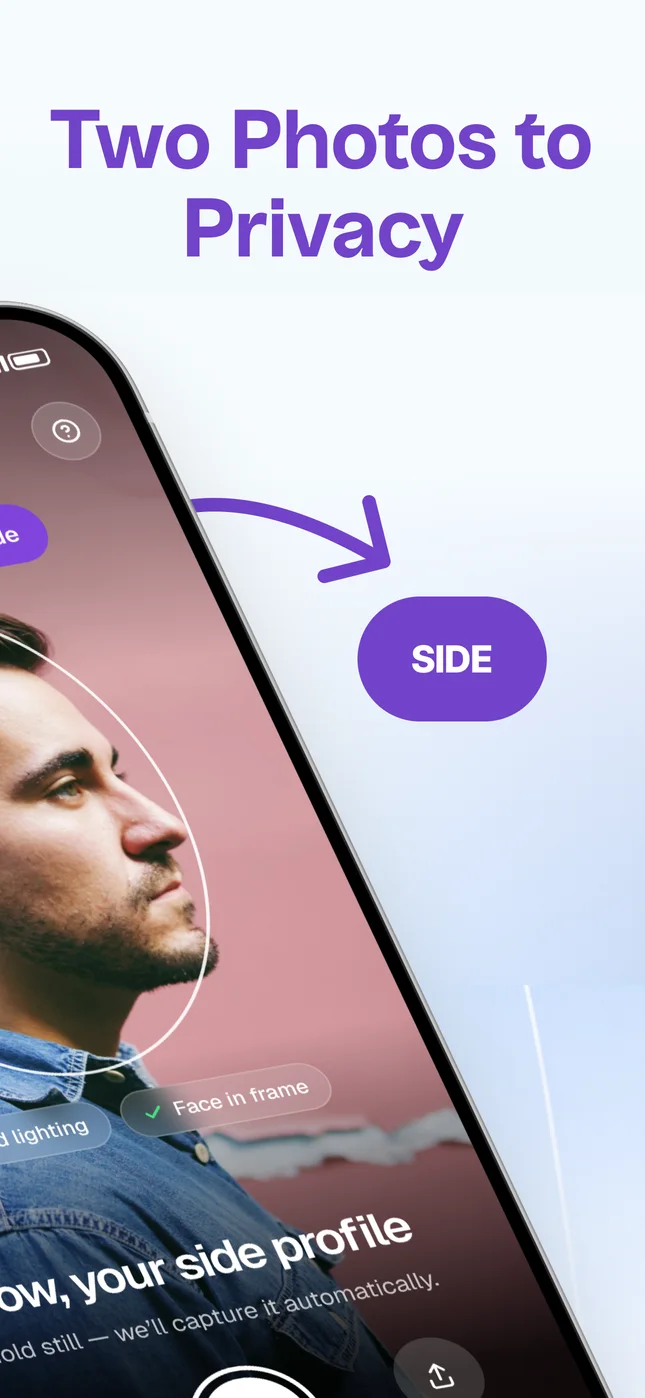
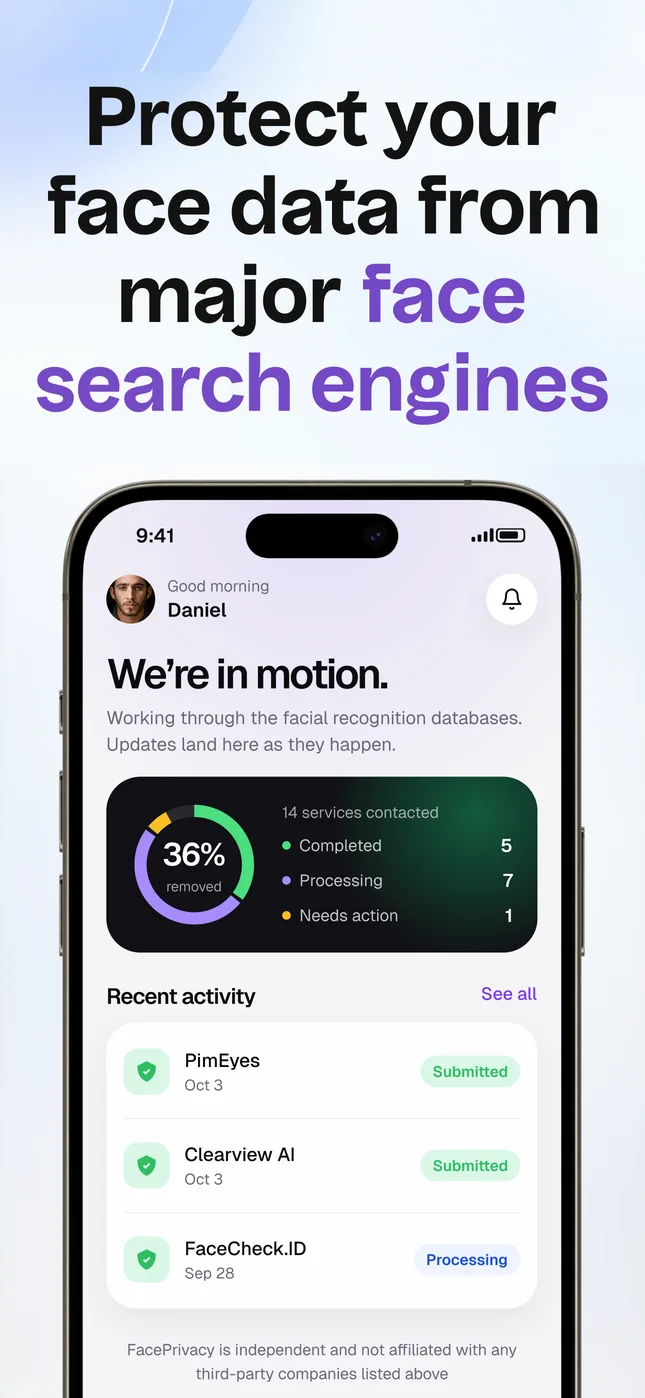
Inside the app
See it before you install it
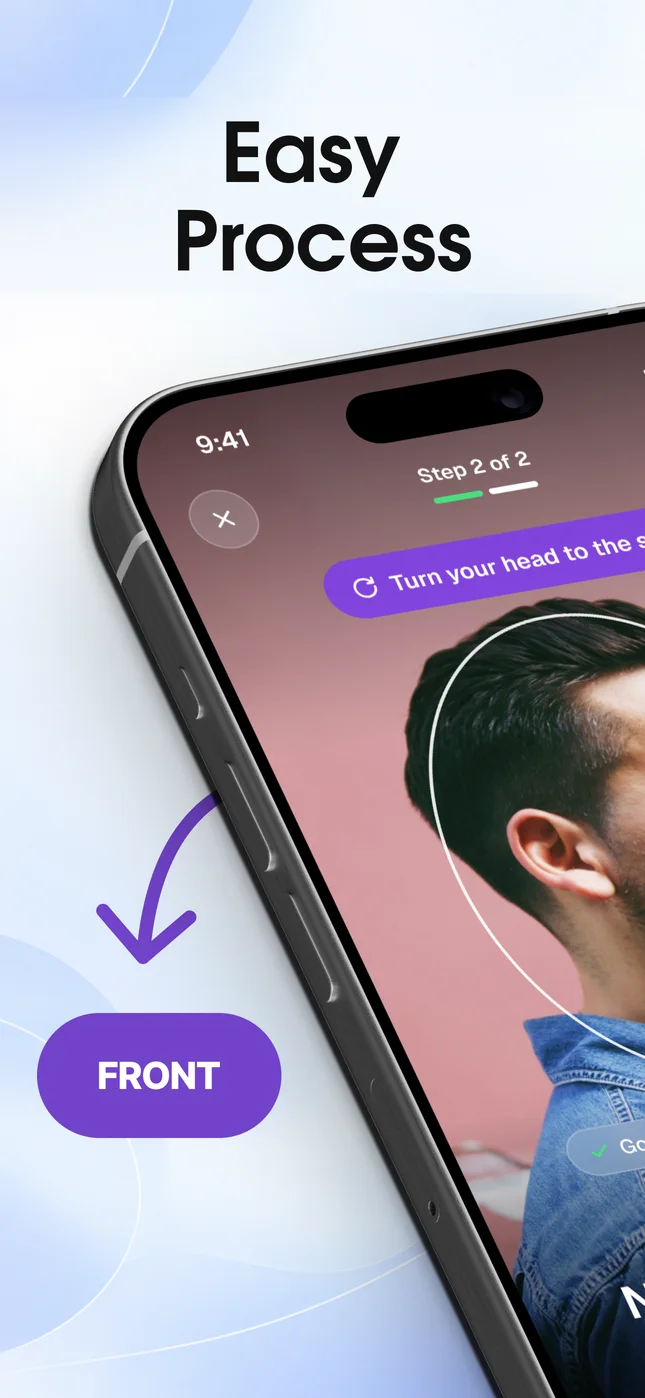
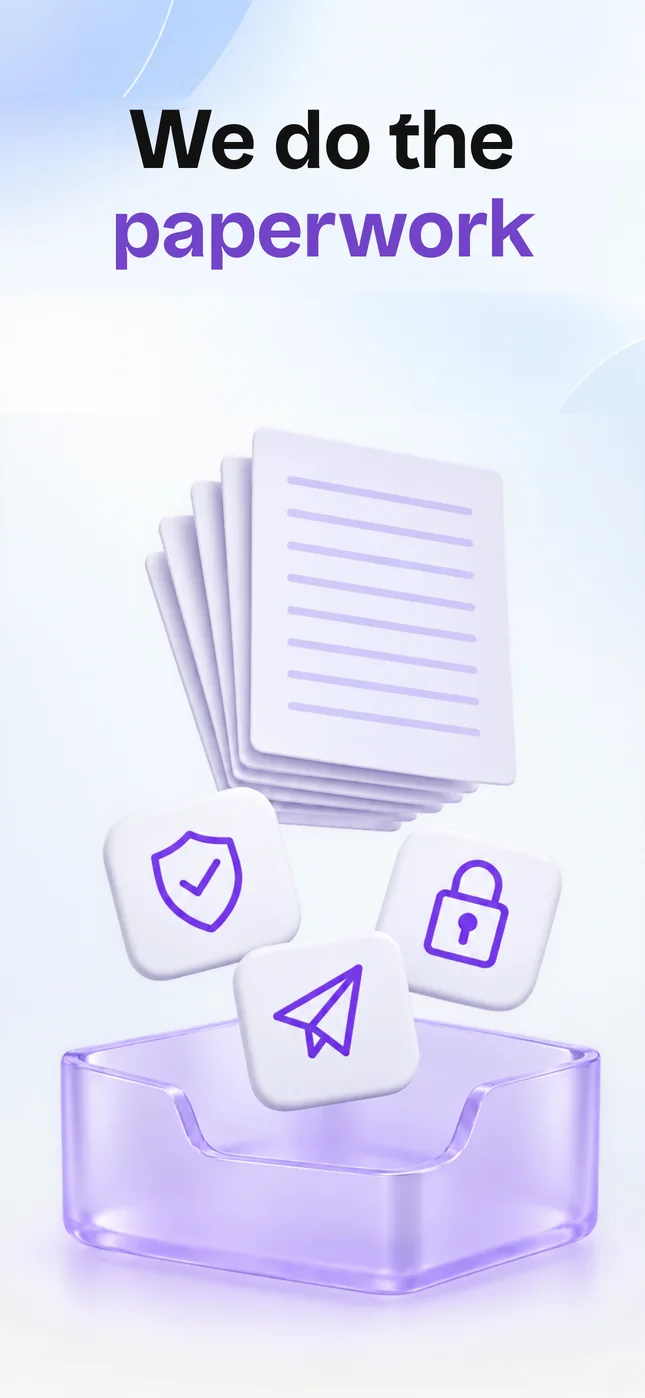
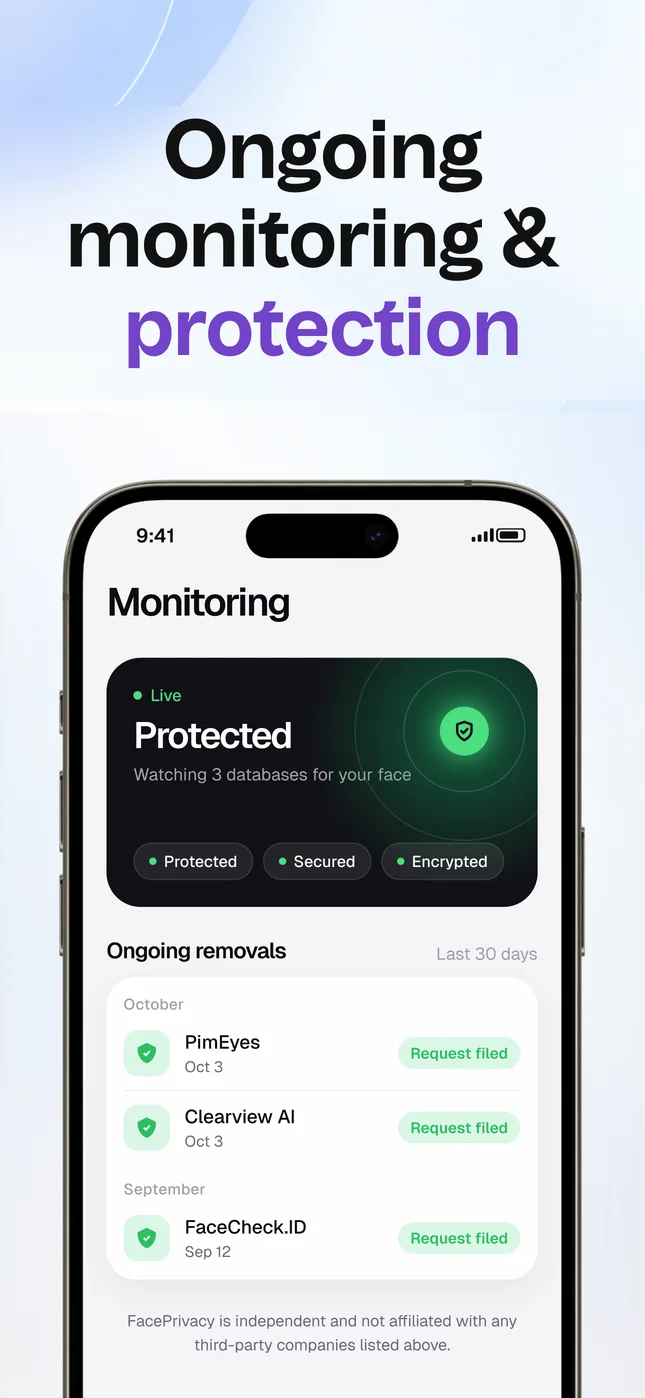
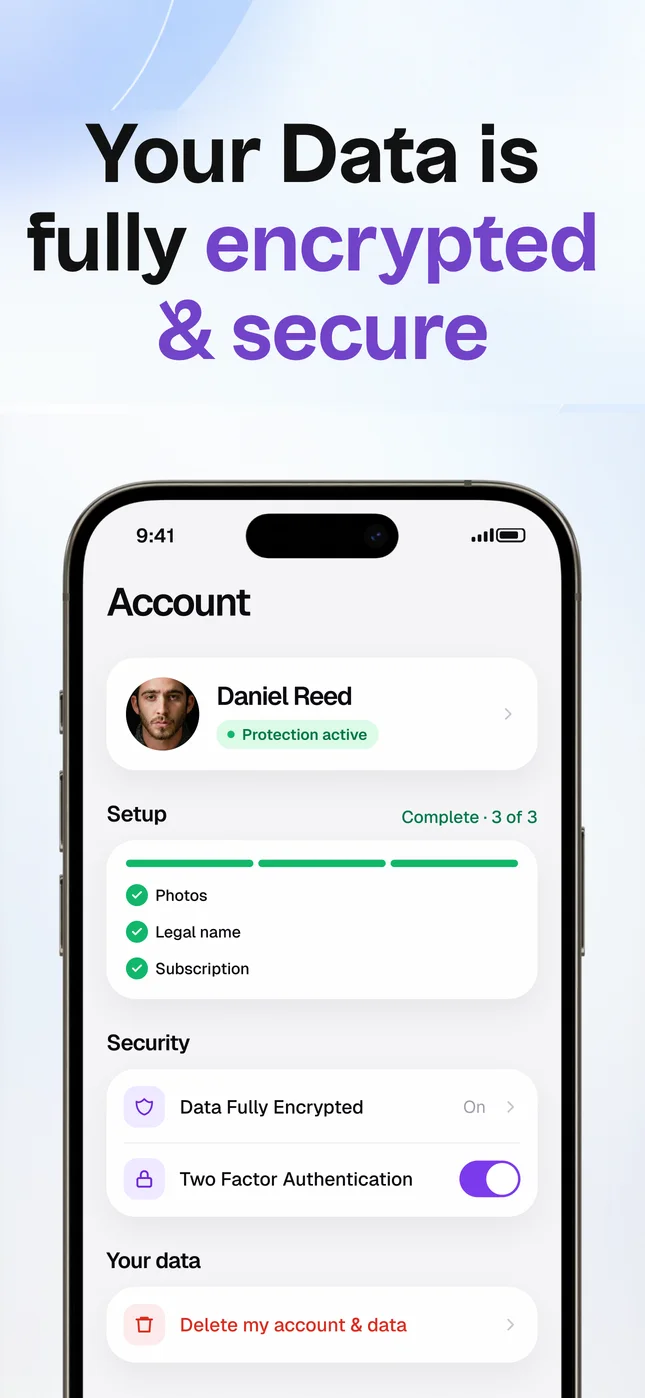
How it works
Three steps, and we take it from there
- Step 1
Take two photos
A front photo and a side photo, taken with the in-app camera. It checks the lighting and framing before you shoot.
- Step 2
We file the requests
Opt-out and removal requests go to each supported face search engine, sent from a private alias email, and are re-filed as necessary.
- Step 3
Follow every request
Each request shows its latest status in the app. If a site asks for something from you, it appears at the top of your list.
One account
Your Android phone and the web, in sync
Sign up in the app or at faceprivacy.ai. Your photos, your requests and every reply are the same in both places, so you can start on one and check in on the other.
Already subscribed on the website? Sign in with the same email and the app unlocks. You do not pay twice.
- Photos Taken once, used for every request
- Requests Each one with its latest status
- Documents Redacted copies only, stored encrypted
- Billing Card on the web today
Questions
About the Android app
When will the Android app be on Google Play?
Soon. We will link it from this page the day it is live. You do not need to wait: everything the app does already works at faceprivacy.ai in Chrome.
Is the website the same as the app?
Yes. It is the same account and the same removal work. You take your two photos, we file the requests, and you follow each one from your dashboard.
If I sign up on the web now, will my account move to the app?
Yes. When the app arrives, sign in with the same email or Google account and your photos, requests and replies are all there.
How does billing work?
On the website you pay by card, and our 30-day money-back guarantee applies directly with us. If you subscribe on the website, the app will unlock when you sign in, so you do not pay twice.
What do I need to get started?
A front photo and a side photo of your face, and a few minutes. Any recent Android phone with Chrome works.
Is there an iPhone app?
Yes, on the App Store. See FacePrivacy for iPhone.
Start now, from your phone
Two photos to start. Your account moves to the app when it lands on Google Play.