Take your face back, from your pocket.
One FacePrivacy account. iPhone or web — whichever you tap first inherits the other. Monthly removals run on every facial-recognition engine with an opt-out path. ID requests come back as a single tap.
- Sync web + iPhone
- Needs iOS 15+
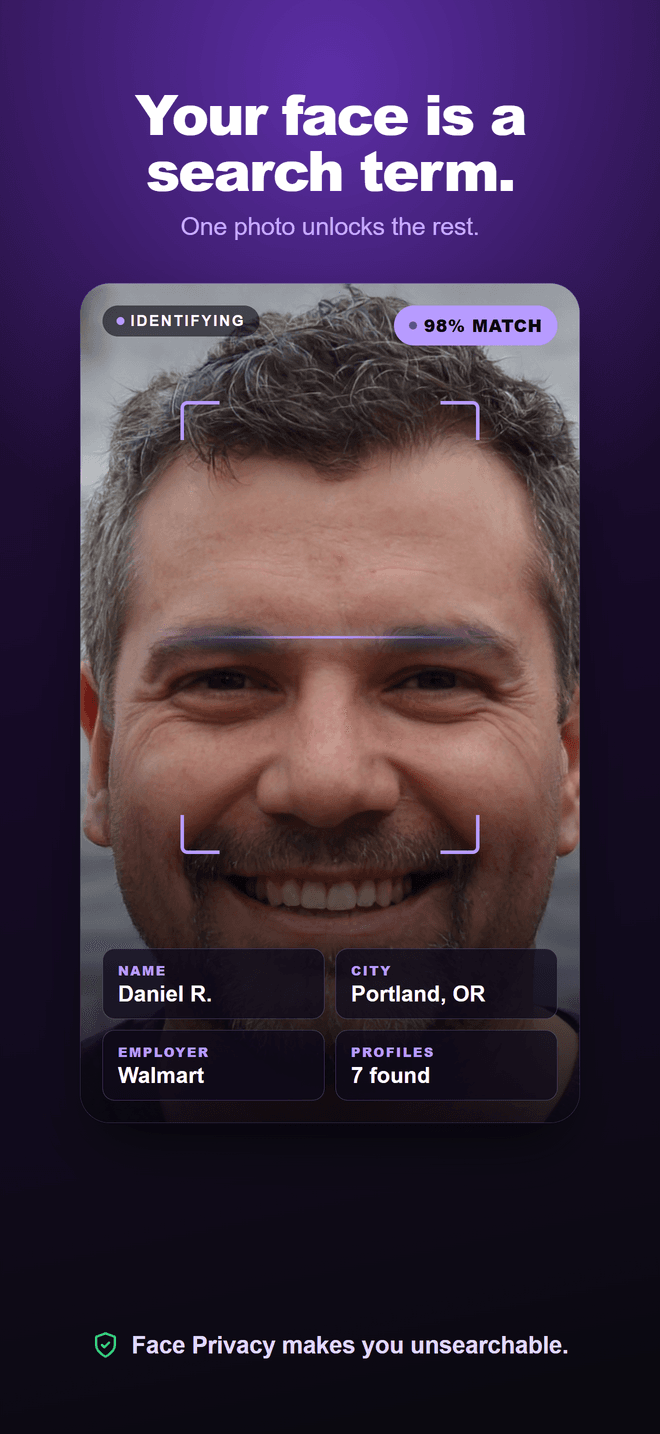
iPhone and web. Same login. Same removals.
You don’t pick "the app version" or "the web version" — there’s one FacePrivacy account, and it works on both. Anything you do on one shows up on the other within seconds.
Two surfaces. Zero forks.
Sign up on iPhone or sign up on faceprivacy.ai. Whichever you pick, the other one inherits the same email, the same removal queue, the same ID file. No "Pro app vs lite web." No "import from web."
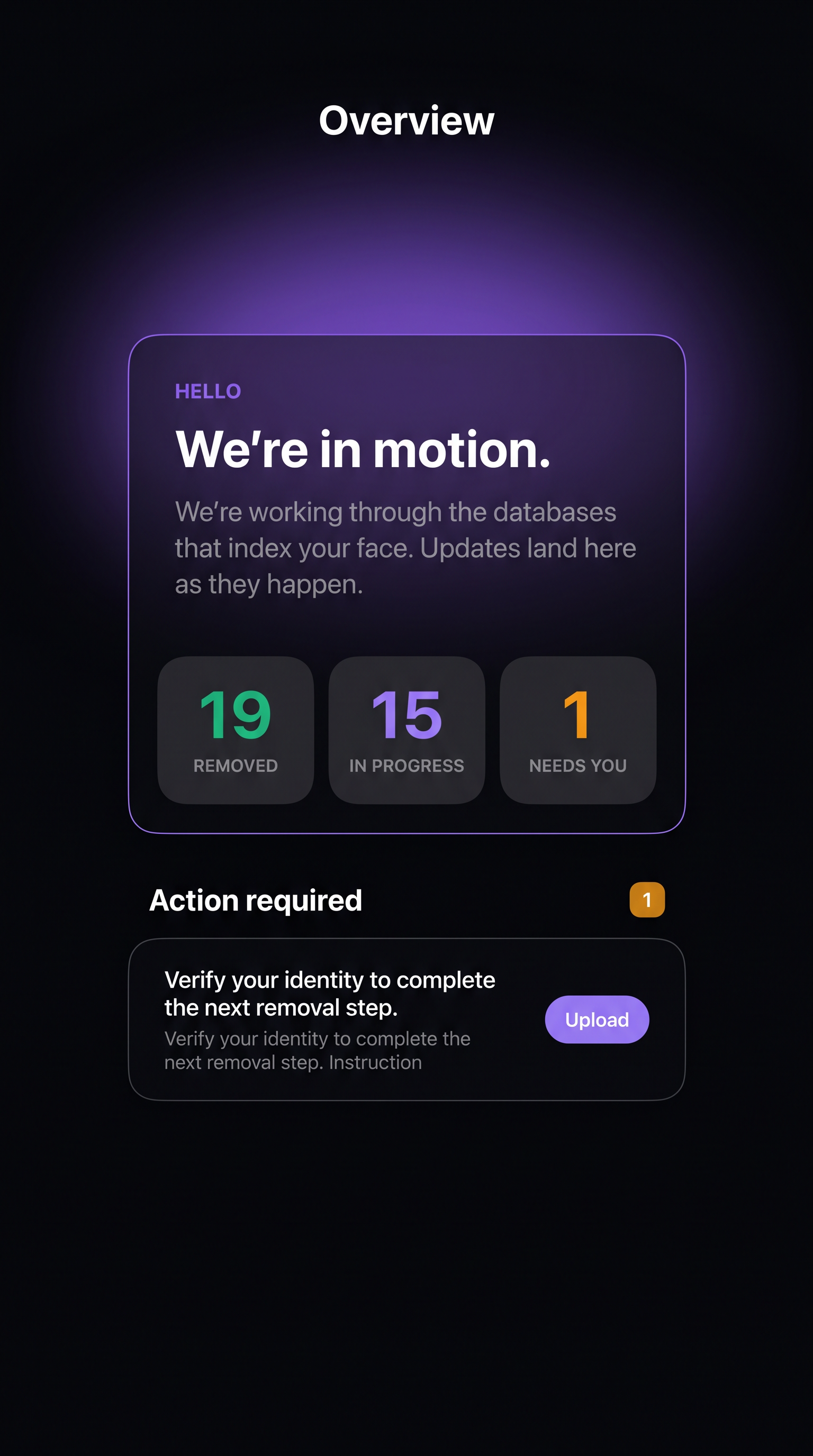
Sign in with Apple
Or email — same account either way.
Realtime sync
Photos, removals, ID — pushed in seconds.
- Camera Native capture for face + side photos
- Upload One-tap ID when an engine asks for proof
- Push Notifications when action is required
- Apple Sign In with Apple, Apple ID billing
- Anywhere Full dashboard from any browser
- Billing Manage subscription + ID documents
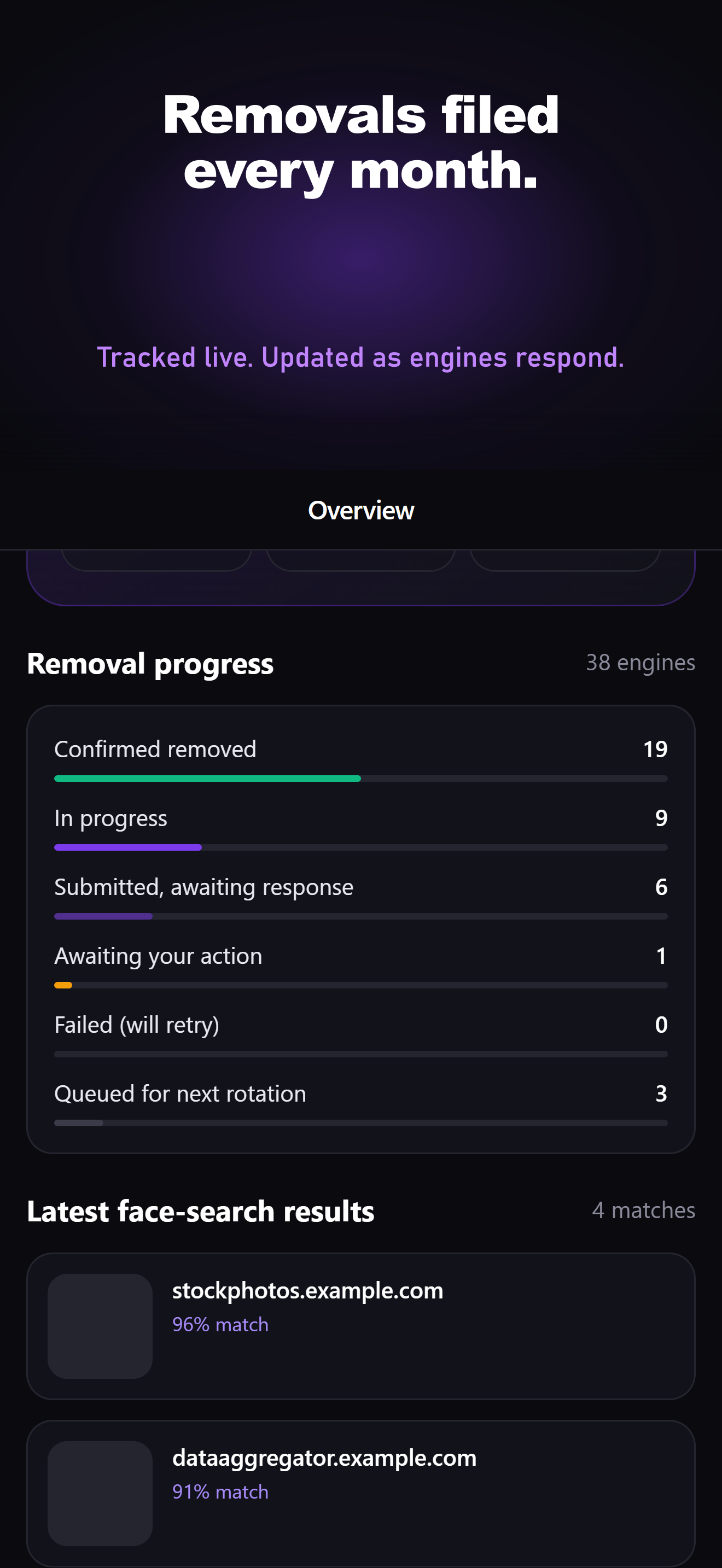
- History Read every removal + search result
- Stripe Credit card on web if you prefer
Built for the smallest amount of work from you


Removals filed for you
We stand between your face and the engines that index it — removal requests filed against major databases with available removal paths, re-filed when they re-scrape.

Proof, on the record
Every confirmation an engine sends back is logged to your account. Statuses reflect the latest response or result available from each provider.

You only hear when it matters
A removal confirmed, a document needed, a reply from our team — one push, straight to your phone. No noise.
Every database, tracked in one place
Your face is not in one index, it is in many, and each one answers on its own schedule. FacePrivacy files a removal request with every database we cover and shows you where each stands — confirmed, still pending, or waiting on something from you — so the whole picture is one number instead of a folder of emails you have to reconcile yourself.
It keeps running afterwards, because these indexes rebuild. A face cleared in March can reappear in August when a crawler finds an old photo on a page nobody was thinking about.
Illustrative of how the dial behaves, not a live figure. Your own numbers are on your dashboard.
Two Steps. Then we get your face and identity out of the databases.
Upload a face + side photo
Two photos is all we need. One front, one side. We encrypt them the moment they reach us. The app uses your camera, the web uses your file picker. From here on we know what to remove.
Ongoing monitoring and repeat filings
We file removal requests with the major facial recognition databases that offer a removal path, then keep watching them. Databases crawl the web again and again, so when your face turns up we file again. That part never stops for as long as you're subscribed.
How a photo becomes a searchable face
The face-search databases we remove from are turning faces into numbers. Our removal only requires a photo, but it is important to know what we are up against:






That stored fingerprint is what makes you searchable, and it may survive even after the original photo is deleted.
Common questions about the iOS app
Is the iOS app the same as the website?
Same backend, same account, same removal pipeline. The iOS app gives you push notifications when an engine needs a document and a native camera for the photo uploads. Everything else — removal progress, search history, ID on file — is identical to what you see on faceprivacy.ai.
I already pay on the website. Do I have to pay again in the app?
No. If you’re subscribed via Stripe on the website, the iOS app sees that immediately when you sign in and unlocks the full app. Your Billing tab shows a clear "Managed via faceprivacy.ai" notice so you know where to manage it.
If I subscribe in the app, can I cancel on the website?
App Store subscriptions are managed by Apple, not us. You’d cancel in Settings → Apple ID → Subscriptions. The iOS app has a one-tap deep link to that screen on its Billing tab.
How do refunds work if I paid through the App Store?
Refunds for App Store (iTunes) subscriptions are handled by Apple, not by us — we don’t have the ability to issue or reverse those charges. Request a refund at reportaproblem.apple.com or in Settings → Apple ID → Purchase History on your iPhone. Apple decides whether to grant the refund and how long it takes. If you paid via Stripe on the website instead, our 30-day money-back guarantee applies directly with us — email [email protected].
Will my removal data carry over from web to iOS?
Yes — because it’s the same account, every removal request, search result, and ID document you’ve uploaded on the web is right there in the app, and vice versa.
Does the app work without a paid subscription?
You can create an account and upload your photos for free. To actually file removals against the engines, you need an active subscription — an App Store subscription, or whichever billing path you picked on the web.
Why isn’t there an Android app yet?
Android is on the roadmap. For now, the website works perfectly on any Android browser — sign in, upload your photos, and the same monthly removal pipeline runs.