Why an executive’s face needs its own protection
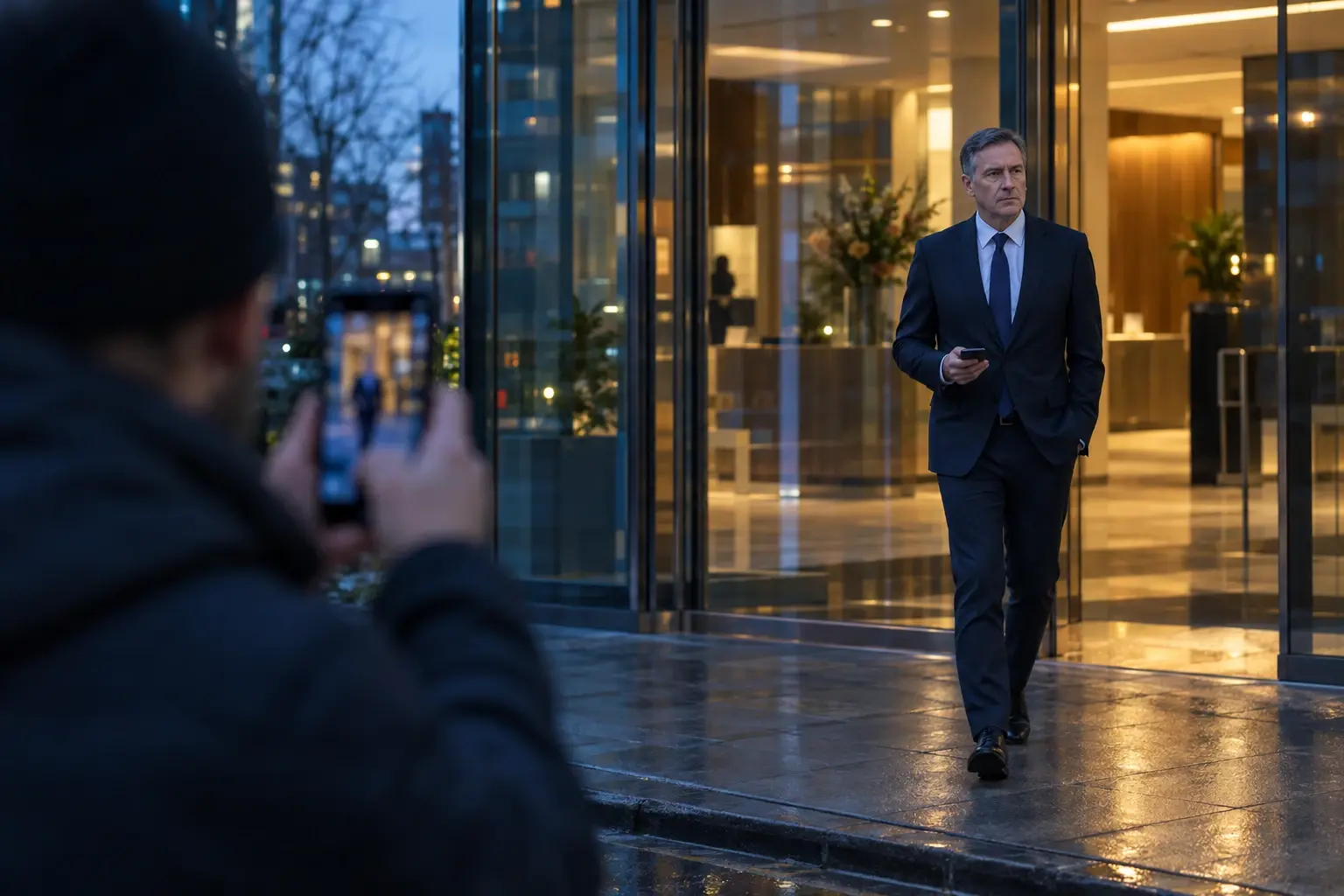
Most people have a handful of photos online. An executive has a steady supply of sharp, well-lit, front-facing ones, published on purpose.
- They are easy to match. Face search engines let anyone upload a photo and get back other pages where that face appears. A clear corporate headshot is an ideal search photo.
- They are easy to copy. Hours of keynote and interview video give anyone building a fake plenty of material for both face and voice.
- They reach the wrong pages. The same face also appears in a gym photo, a friend’s wedding album or a neighbourhood news story, and a face search can connect them.

Deepfake impersonation is already costing companies money
- Arup, January 2024. An employee in Hong Kong made 15 transfers totalling HK$200 million (about US$25 million) after a video call on which the CFO and other colleagues were all deepfakes. Arup later confirmed that “fake voices and images were used” (South China Morning Post, May 2024).
- FBI warning, May 2025. The FBI said that since April 2025, criminals had sent AI-generated voice messages impersonating senior US officials to reach their contacts, and advised: do not assume such a message is real, and verify by calling back on a number you find yourself (FBI IC3 PSA250515).
Opting out of face search removes one easy way to collect more of your photos and to learn who you know. The protection against a fake call is the verification rule in step 5 below.
From a public face to a private address
A face search on an executive rarely stops at the company website. The other matches can include personal social accounts, event photos and people-search listings with addresses and phone numbers.
- Face search engines such as PimEyes and FaceCheck.id return pages where a face appears, from a single uploaded photo.
- People-search sites such as Social Catfish combine photo search with records that can include addresses, emails and phone numbers. Each has its own opt-out (our Social Catfish guide).
The six-step plan
- List where your face is published. Company site, press kit, conference and podcast pages, LinkedIn and your personal accounts. This is your map of what a face search can find.
- Opt out of face search engines. Start with the engines on our databases page. Each has its own form and some ask for a redacted ID.
- Remove your home address from people-search sites. Opt out of each site, and use Google’s Results about you to request removal of results that show your contact details.
- Keep the corporate headshot off personal profiles. Reusing the same photo makes the match exact. Set personal accounts to private and use a different photo, or none.
- Agree a verification rule for money and access requests. Follow the FBI’s advice: any unusual request by voice, video or text gets checked by calling back on a known number. Tell your finance and assistant teams the rule exists.
- Re-check every few months. Engines re-crawl and new events add new photos. Repeat steps 2 and 3, or have them re-filed for you.
What FacePrivacy covers, and what it does not
| We do | We do not |
|---|---|
| File opt-out requests with the face search engines on our databases page, and Social Catfish, as your authorized agent | Delete photos from your company site, the press or the sites that host them |
| Send requests from a removal address, never your personal or work email | Remove results from Google or social networks |
| Use a redacted ID only where an engine requires one | Detect or take down deepfakes |
| Re-file as necessary and show every request in your dashboard | Guarantee that an engine will honour a request |
Arranging this for a leadership team? Email [email protected] and we will set it up with you.
Common doubts
“My face has to be public. Doesn’t that make this pointless?”
No. Your headshot stays on the company site. Opting out asks face search engines to stop returning your face, which is what connects that headshot to the rest of your life.
“Our security team already handles executive protection.”
Ask them whether their program files opt-outs with face search engines specifically, and how often. If it does, you are covered. If it covers addresses only, the face route is still open.
“Will this stop deepfakes of me?”
No. The verification rule in step 5 is what protects against a fake call. Opting out makes it harder to collect more of your photos and to map your private life.
Cut the link between your face and your private life.
Upload two photos. We file opt-out requests with the face search engines we support, re-file as necessary, and track each request in your dashboard.
Opt my face out of face search →Sources
- South China Morning Post: UK multinational Arup confirmed as victim of HK$200 million deepfake scam (May 2024)
- Dezeen: Arup revealed as victim of deepfake video scam (May 2024)
- FBI Internet Crime Complaint Center: PSA250515 (May 15, 2025)
- Google Search Help: Results about you
- FacePrivacy: The sites we file with