The instinct behind disabling Face ID is completely reasonable. You are handing a scan of your face to a trillion-dollar company, and trillion-dollar companies have a track record with personal data. If you have read anything about face-search engines scraping billions of photos, deleting the scan on your phone feels like the obvious first move. It just happens to be aimed at the one copy of your face that was never the problem.
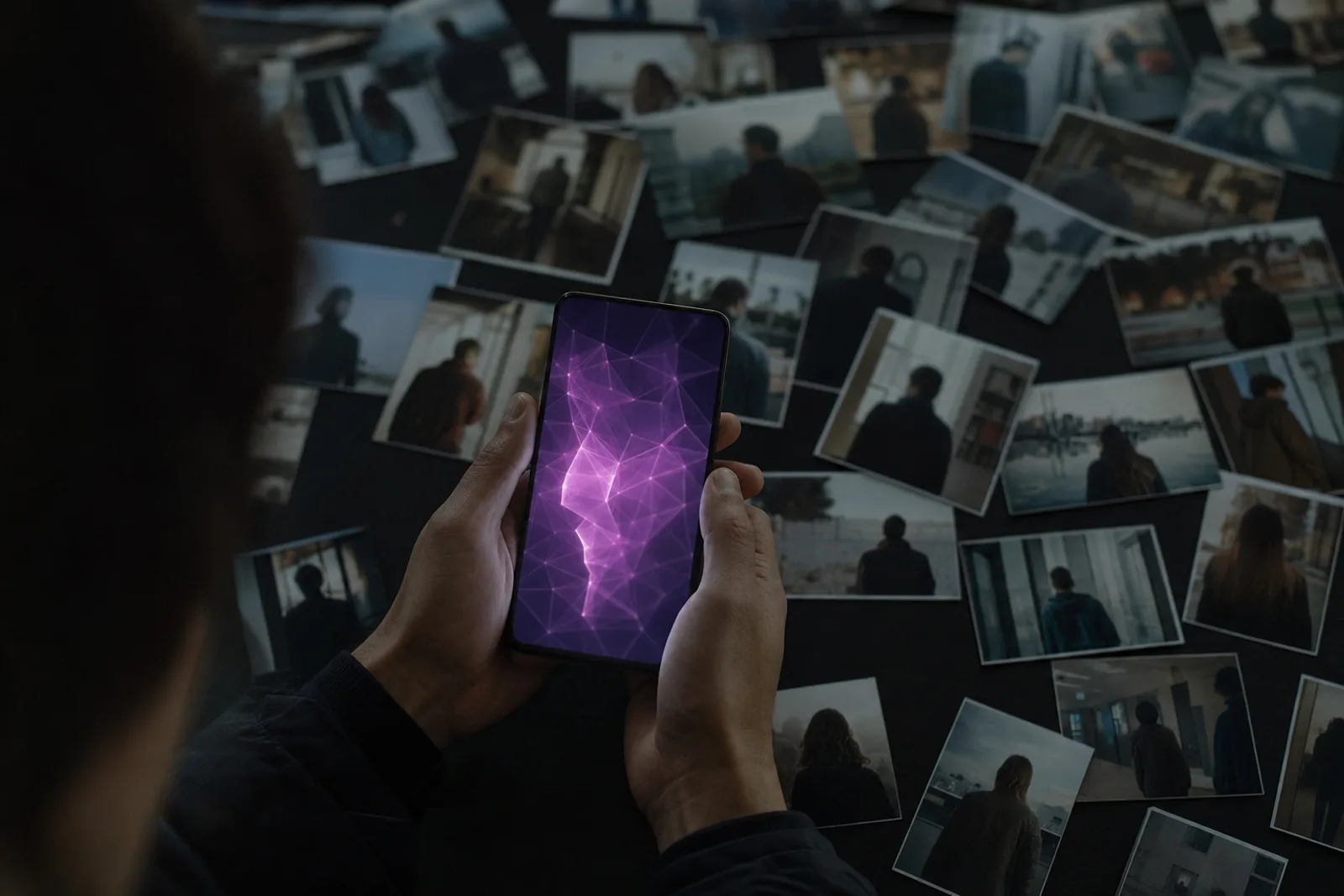
What Face ID actually stores, and where
When you enrol in Face ID, the phone projects a grid of infrared dots at your face, reads the depth pattern, and converts it into a mathematical representation. That representation is encrypted and stored in the Secure Enclave, a separate processor on the chip whose entire job is to hold secrets the rest of the phone cannot read. Not the operating system, not your apps, and not Apple.
The faceprint never leaves the device. It is not in your iCloud backup. It does not sync to your other devices, which is why every new iPhone makes you enrol again. Apple cannot hand it to anyone, because Apple never receives it.
Apps never see it either. When an app offers to let you sign in with Face ID, the app is asking the phone a question and getting back a single yes or no. Your banking app has no idea what your face looks like. It knows only that the person holding the phone passed the check.
Android's equivalents vary more. High-end phones with dedicated depth hardware work much like Face ID, storing templates in secure hardware on the device. Cheaper camera-only face unlock is weaker as a lock, but it shares the property that matters here: the data stays local.
So when you turn Face ID off and delete the enrolment, what you have deleted is a locked box, inside a locked room, that only your own phone could ever open. The privacy gained is not zero. It is very close to zero.
Is Apple, or anyone, using Face ID for marketing?
No. And this one is worth being precise about, because the suspicion is understandable and the answer has a genuinely interesting edge to it.
Face ID data is not available to Apple's advertising systems, because it is not available to Apple. It is not available to apps, to ad networks, or to data brokers, for the same reason. There is no mechanism by which the faceprint in your Secure Enclave could reach a marketer, and no documented case of it happening. On this specific fear, the system is built the way you would want it built.
The interesting edge is that the same camera hardware can share other things. Apps with camera permission can use the TrueDepth system for augmented reality: face filters, virtual try-ons, animated characters that copy your expressions. That is real facial geometry flowing to a third-party app in real time. Apple's developer rules explicitly prohibit using it for advertising, analytics, or identifying people, and apps have been removed for pushing the boundary. But the boundary exists, and it is enforced by policy rather than physics. The faceprint is protected by hardware. The camera feed is protected by rules.
The practical takeaway: if an app you do not fully trust asks for camera access it does not obviously need, that is the permission worth declining. Not the unlock switch.
Where faces genuinely do meet marketing is outside your phone entirely. Retail analytics cameras that estimate age and mood in stores. Loyalty systems experimenting with face-linked checkout. Face-search engines that let anyone connect a photo of you to your name, your profiles, and everything a stranger should not have. None of that involves Face ID, and none of it cares whether Face ID is on.
What disabling it actually costs you
Here is the part the privacy instinct gets backwards. Turning off Face ID does not just fail to protect your face. In most realistic situations it makes your overall security worse.
Without biometrics, you type your passcode. In public. On trains, in bars, in queues, dozens of times a day, in view of anyone standing behind you. There is a well-documented pattern of phone theft built on exactly this: watch someone type their code, then take the phone. With the passcode, a thief does not just have your phone. On an iPhone they can change your Apple ID password, lock you out of your own account, and reach whatever the passcode protects.
Face ID is the thing that lets you almost never type that passcode where people can see it. Used normally, the biometric is not a privacy leak. It is the shield for the secret that actually matters.
The one case where turning it off helps
There is one scenario where the calculus genuinely flips, and it deserves an honest treatment: someone forcing your phone open.
A face can be presented to a phone without your cooperation. A memorized passcode cannot be taken from you the same way, and in some jurisdictions it also has stronger legal protection: courts have repeatedly treated being compelled to reveal something you know differently from being compelled to provide something you are. The law here is unsettled and varies by country and by court, so treat that as context rather than advice. But the physical fact is simple: biometrics can be used on you while you are present and unwilling. A passcode in your head cannot.
If you are crossing a border, attending a protest, or in any situation where a device search is a live possibility, temporarily requiring the passcode is a sensible move. You do not need to delete anything to do it. On an iPhone, hold the side button and a volume button for a couple of seconds, as if to power off, and Face ID is suspended until the passcode is next entered. Powering the phone off entirely does the same and also returns the phone to its most protected state. Android has a similar lockdown option in the power menu.
That is the real shape of the decision. Face ID on for daily life, where it protects you. A two-second gesture for the rare moments when the threat is a person with authority over your immediate situation, rather than a company with a server.
Where your face actually leaks from
The copy of your face that puts your privacy at risk was never the encrypted math in your phone. It is the ordinary photos of you on the public internet: tagged, posted, published, indexed. Face-search engines have crawled billions of them, and they let anyone with one picture of you find the rest, along with the names and profiles attached.
That is the version of your face that gets used without your consent. Not by Apple, but by search engines you have never heard of, and by whoever pays them for lookups.
So if the settings-menu instinct strikes, redirect it. Leave the unlock alone. Spend the same ten minutes running a search on your own face to see what is actually out there, and deciding whether you want it removed. One of those actions changes your exposure. The other changes how you unlock your phone.
The face on your phone is safe. The one on the internet isn't.
FacePrivacy finds where your face is indexed across the major face-search engines, files removal requests, and keeps filing as they re-crawl.
Start protection →